
Automate work / NEW IN 3.0
Take the configuration back to code.
Generate CDK, CloudFormation or Terraform for a table, and carry supported data operations into application code or runnable scripts.
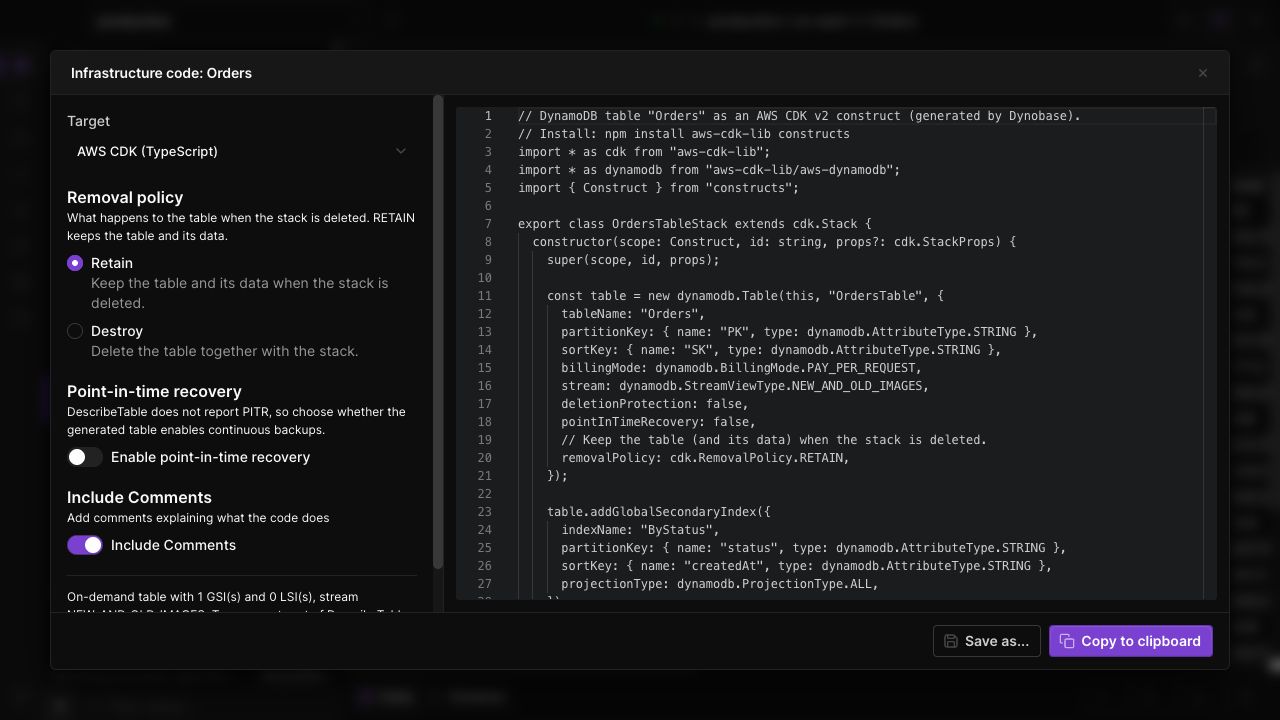
Describe your infrastructure
Generate table definitions in CDK, CloudFormation or Terraform from an existing table or while preparing a new one.
Bring operations into your app
Use code generation for supported DynamoDB operations. The 3.0 update includes C# output and Python and Put support in the Operation Builder.
Start from a useful draft
Copy the generated code or export a runnable script, then adapt names, credentials and deployment conventions to your project.
IN THE APP
How it works
Open Dynobase and follow these steps to use infrastructure and operation code.
- 01
Choose the source
Open infrastructure code generation for a table, or prepare a supported operation in the query or operation builder.
- 02
Select the output
Choose CDK, CloudFormation or Terraform for infrastructure, or a supported language for operation code.
- 03
Review in your project
Copy or export the result. Review resources and application behavior before committing or deploying it.